Hide the "safe browsing" settings
Decided below to just hide the entire section.
Original issue description:
After the rebase on 149, the settings now show a warning that may encourage users to switch "Block dangerous and deceptive content", which would be non-default for Tor Browser.
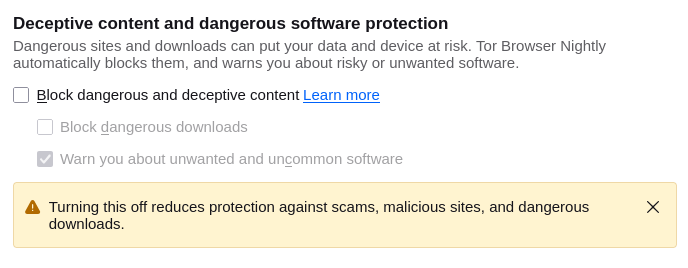
I don't know much about this feature, or why we have decided to keep these settings visible. @morgan @pierov or @ma1 do you know the background?
In any case, the warning banner is encouraging users to switch, so I imagine we want to hide this.
Edited by henry